n8n Workflow with Relay API
-
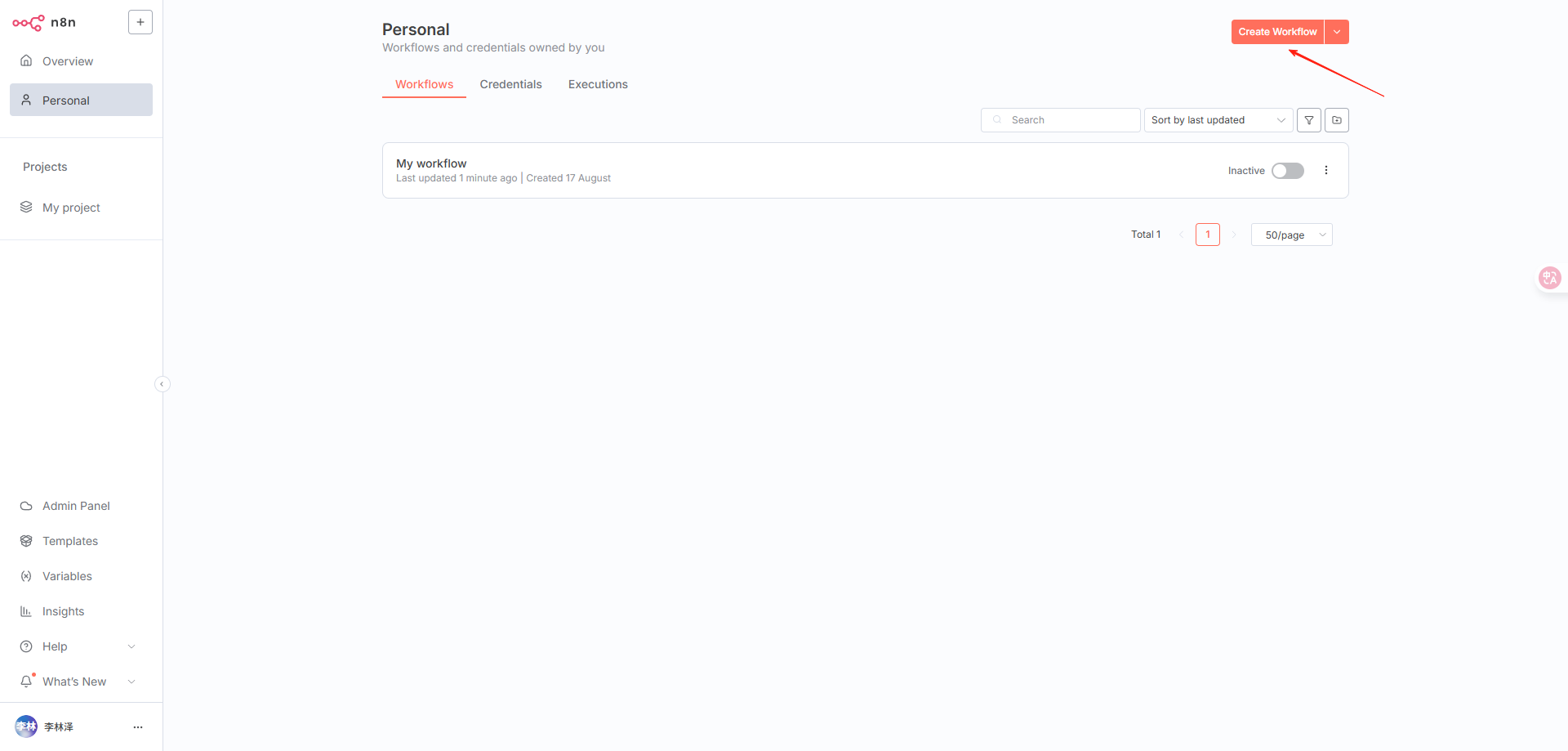
Create a new workflow
-
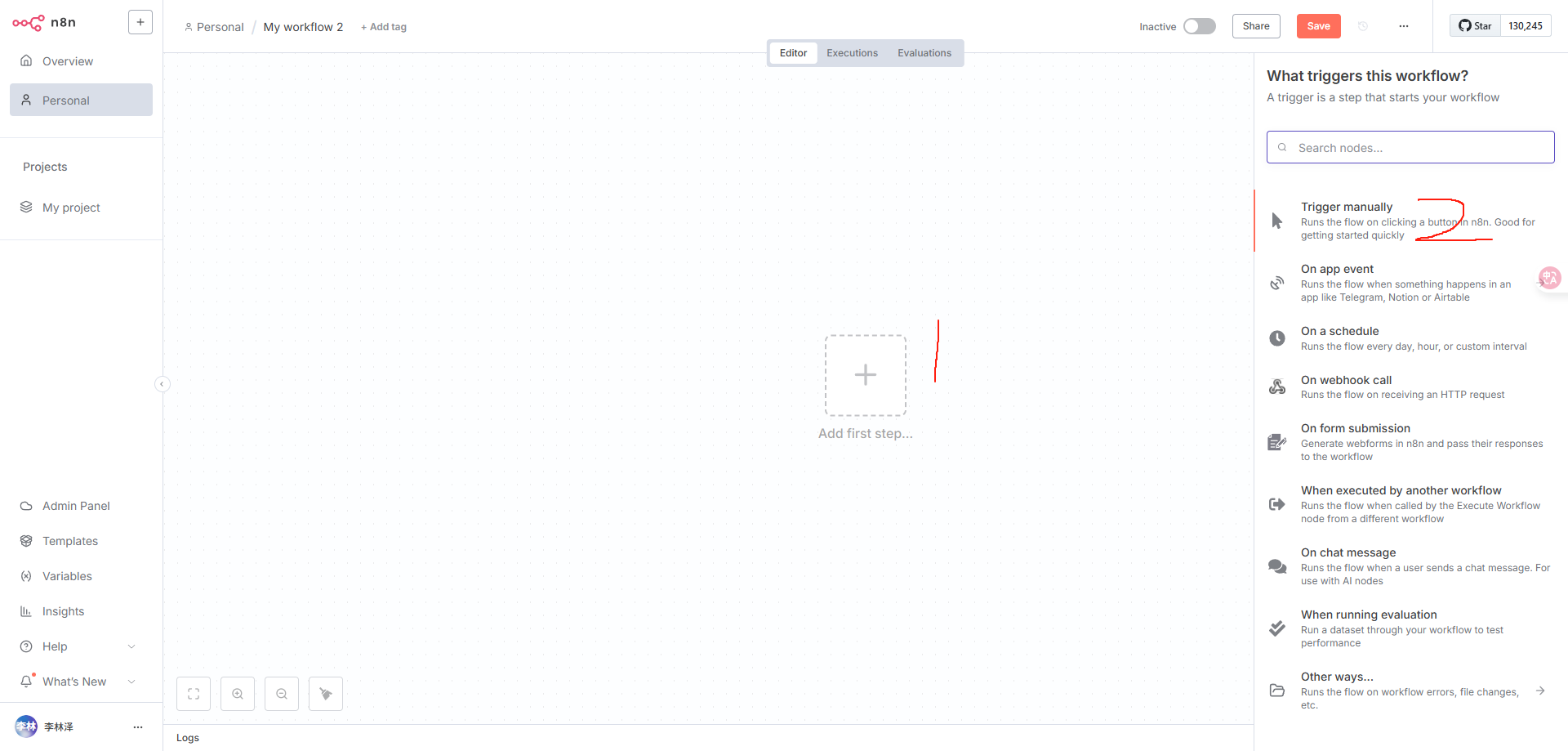
Choose a trigger. Here we use the first option: Manual Trigger
-
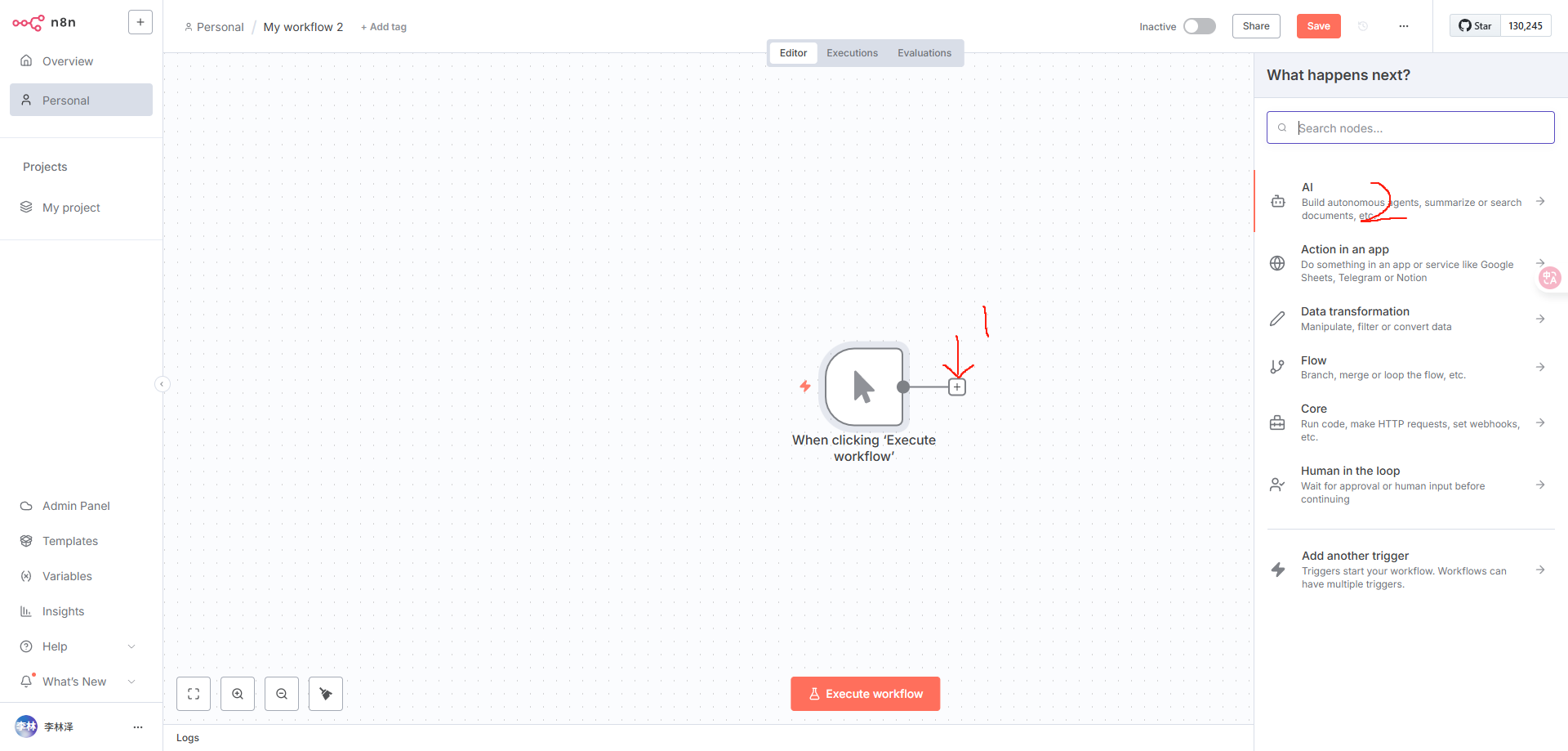
Add the next workflow node
-
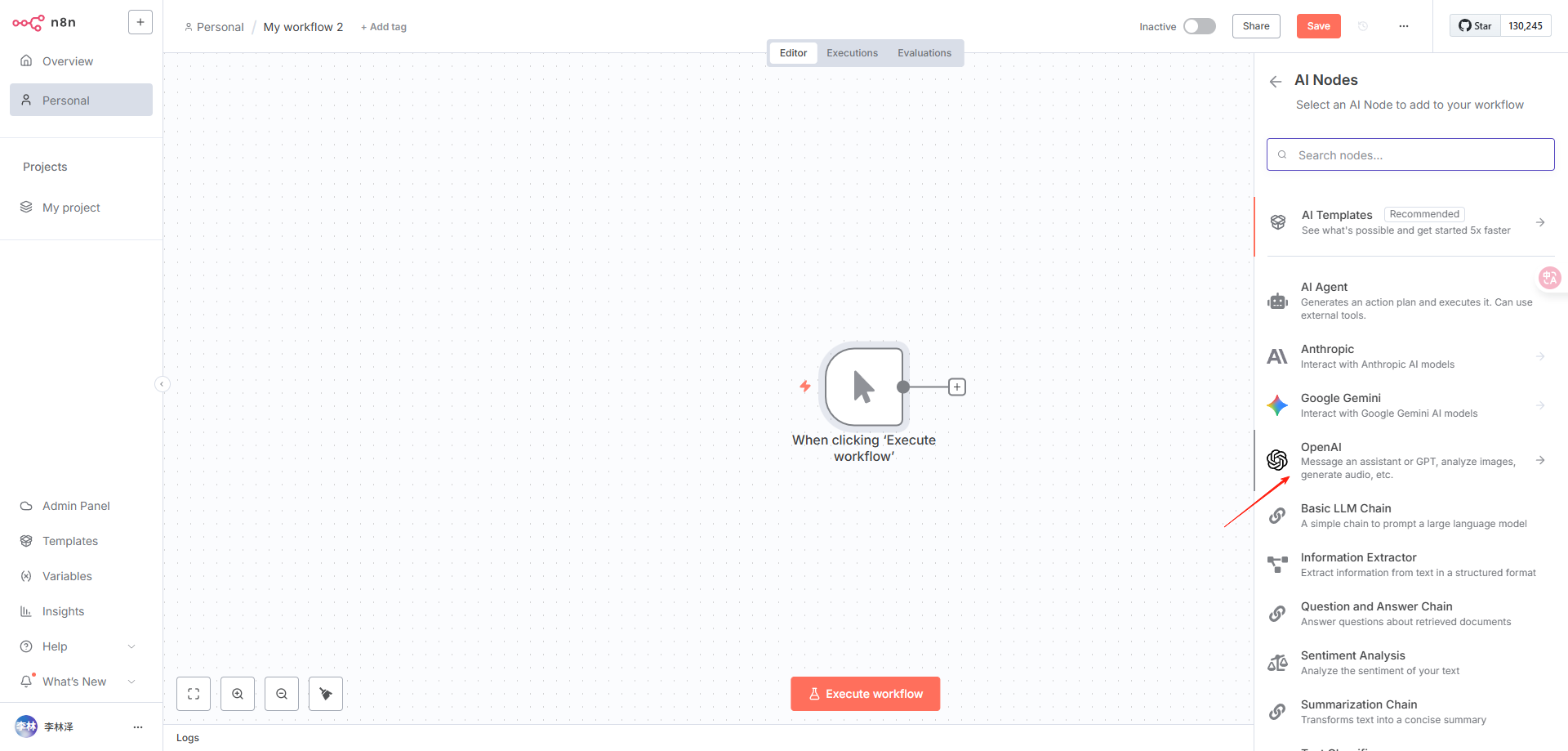
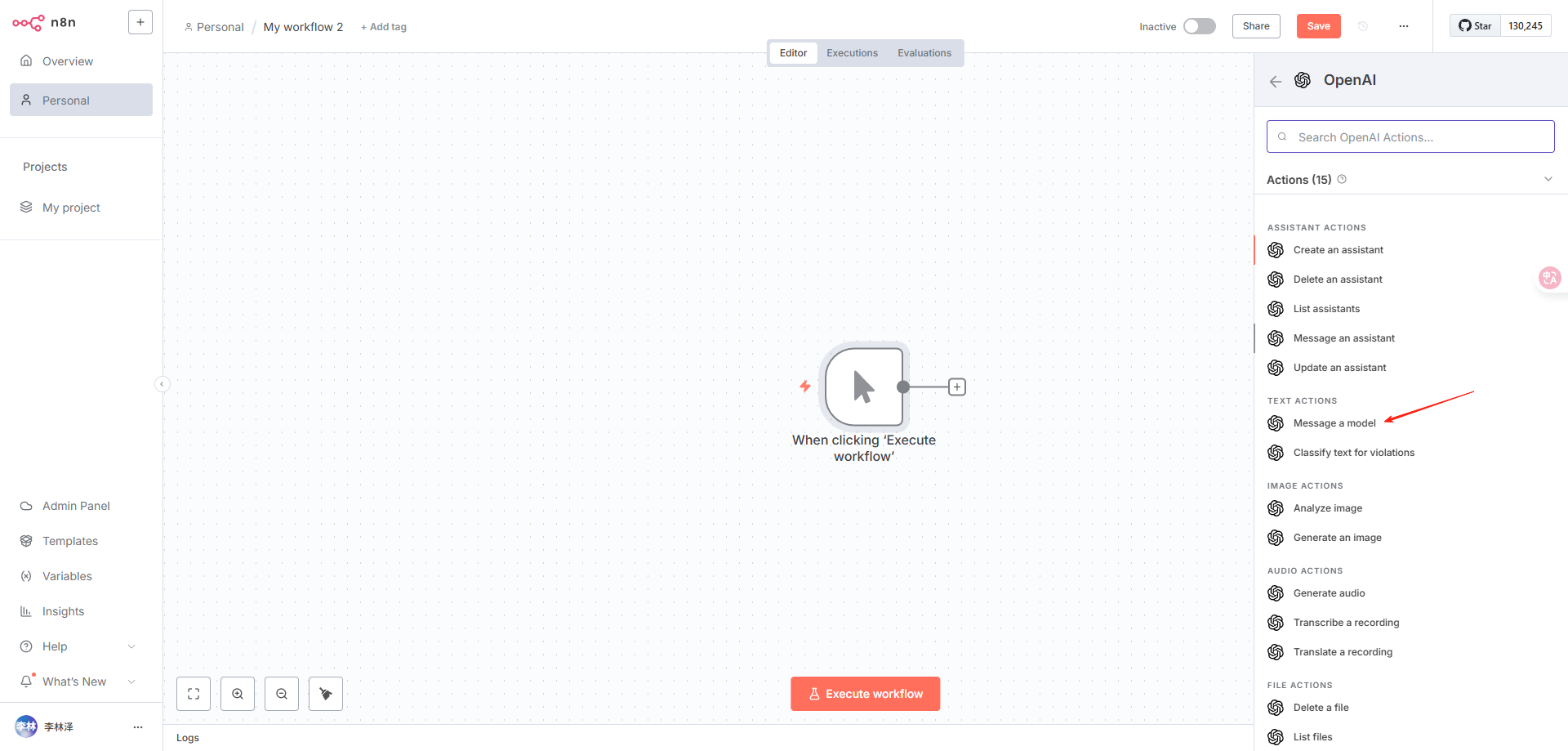
Select OpenAI
-
For chat, choose Message a model
-
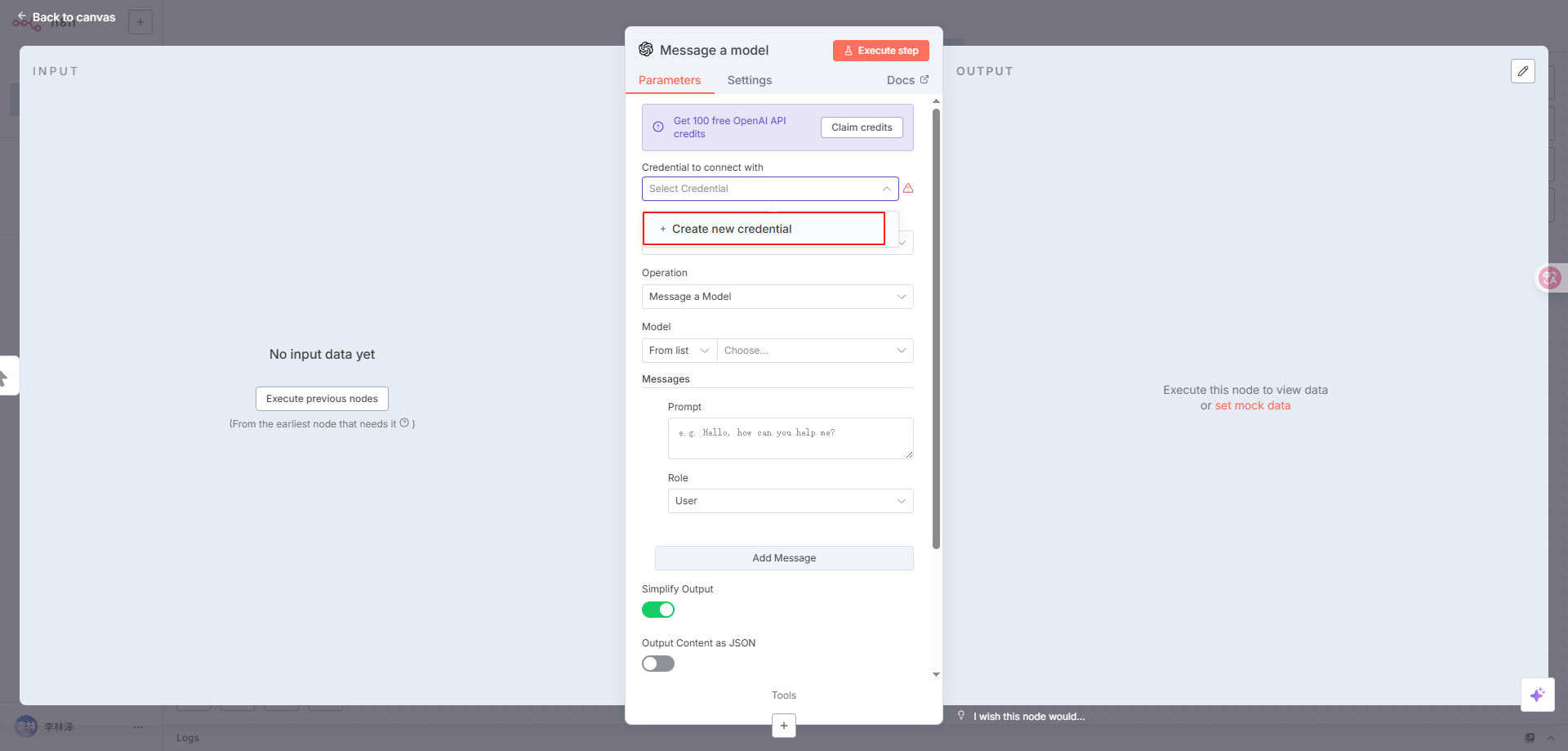
Configure the relay API
Create an API key on the API Tokens page.
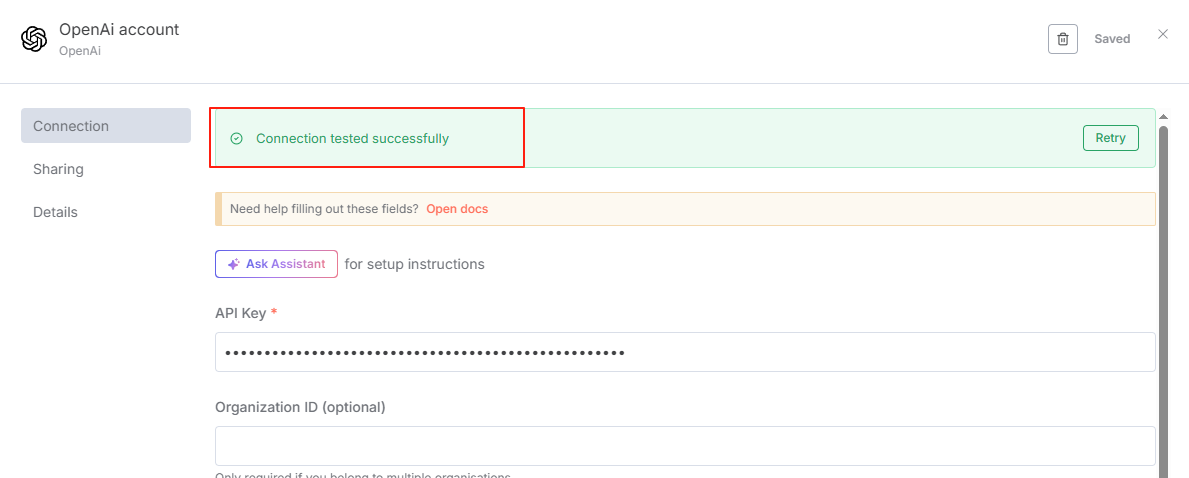
Change Base URL from https://api.openai.com/v1 to https://4zapi.com/v1.
Click Save.
-
After saving, a success message means the connection works
-
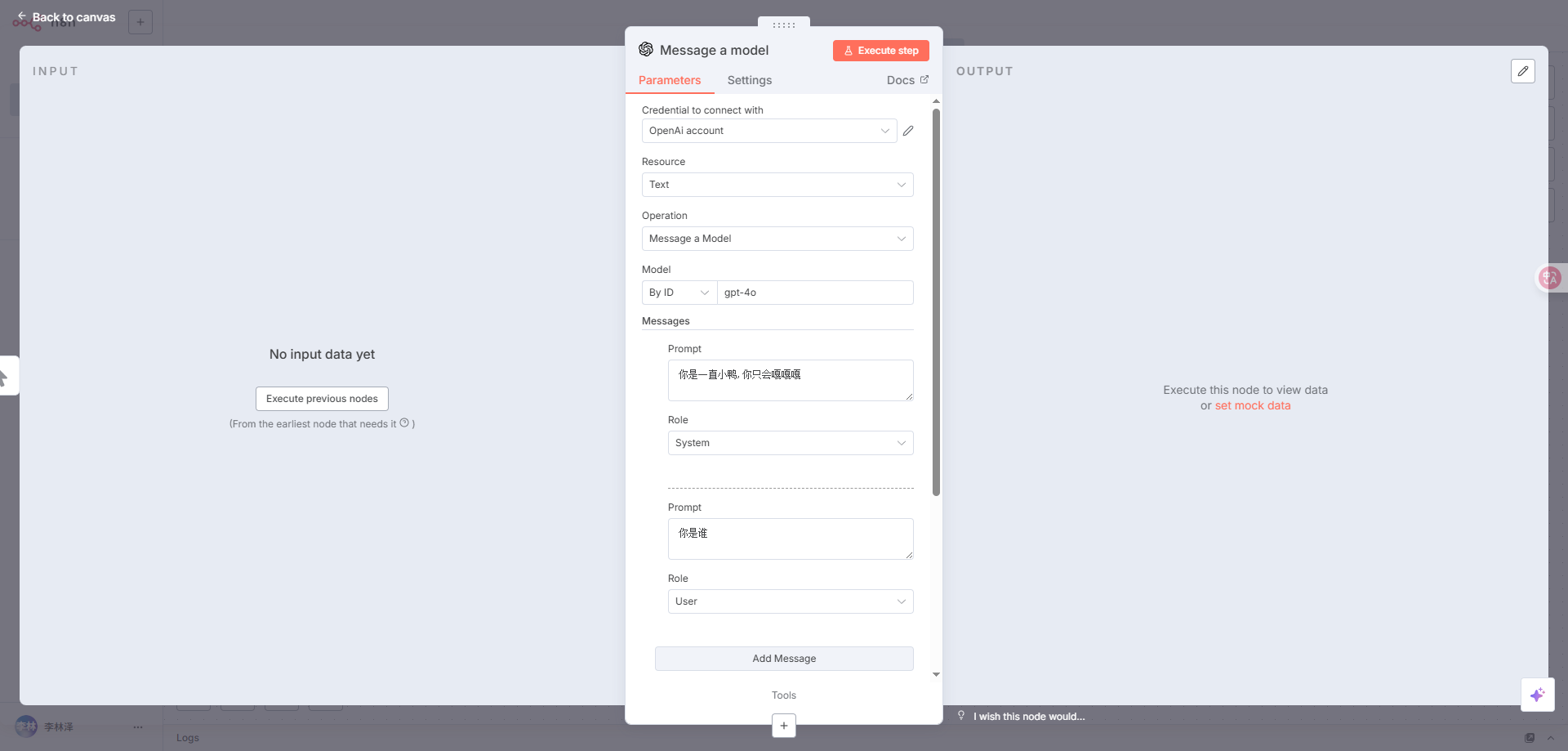
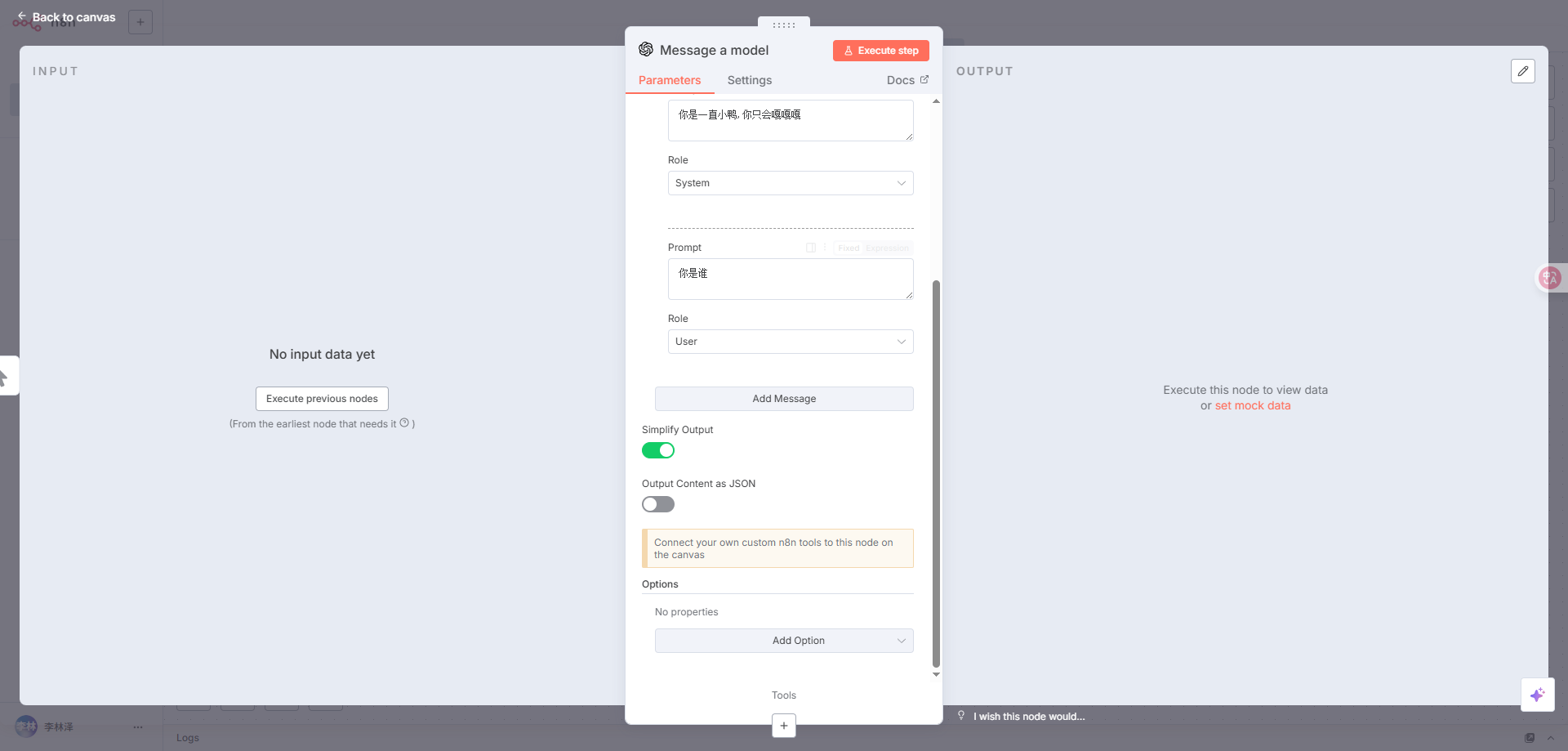
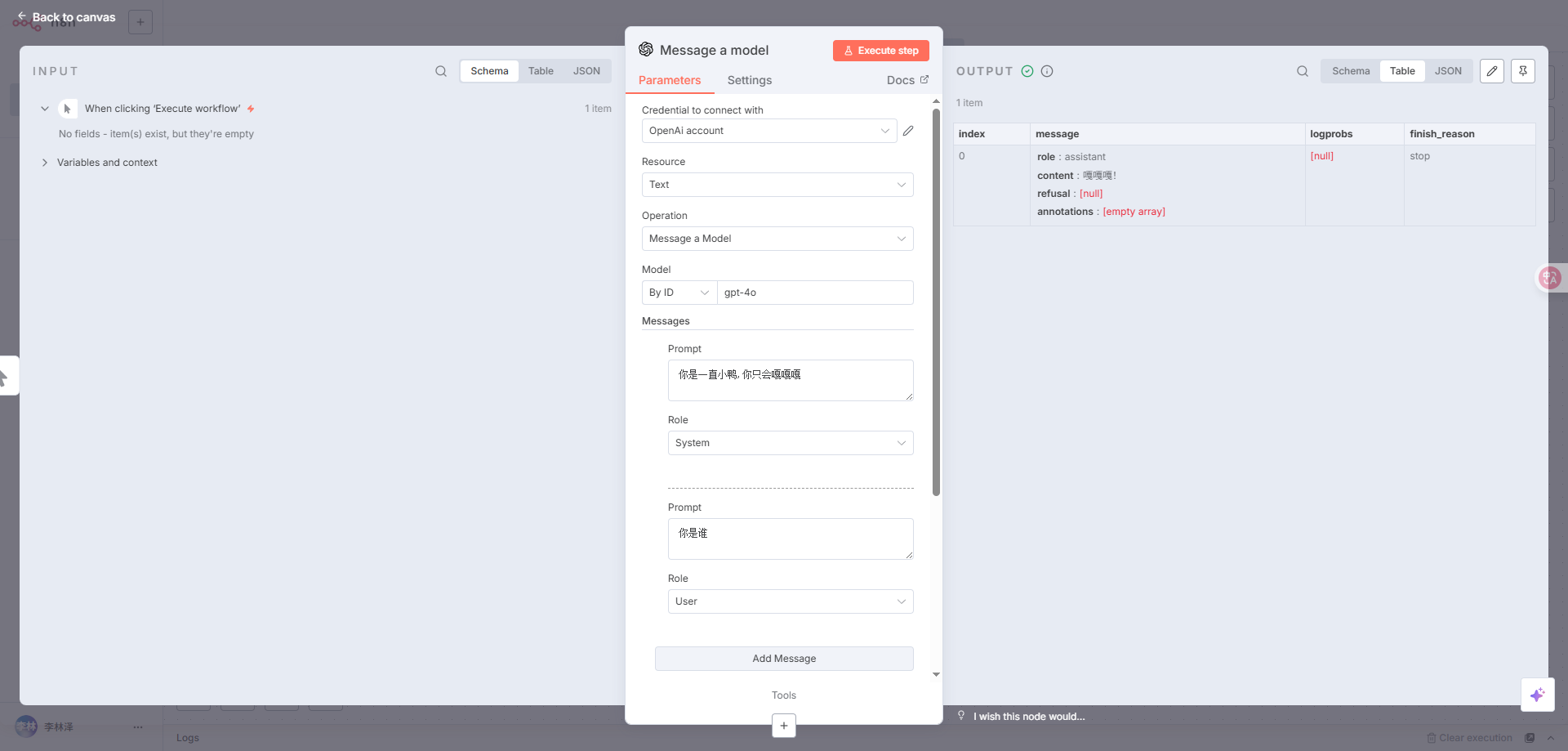
Configure this node briefly
Click Execute step to test
Response looks good.